
How to Change Child Benefit Bank Account Details
Introduction: Switching accounts is quick — but timing matters
If you need to change child benefit bank account details, you can usually do it yourself in a few minutes using the HMRC app or your online account. This independent guide explains the steps, what happens to payments that are already due, and how to avoid a missed payment.
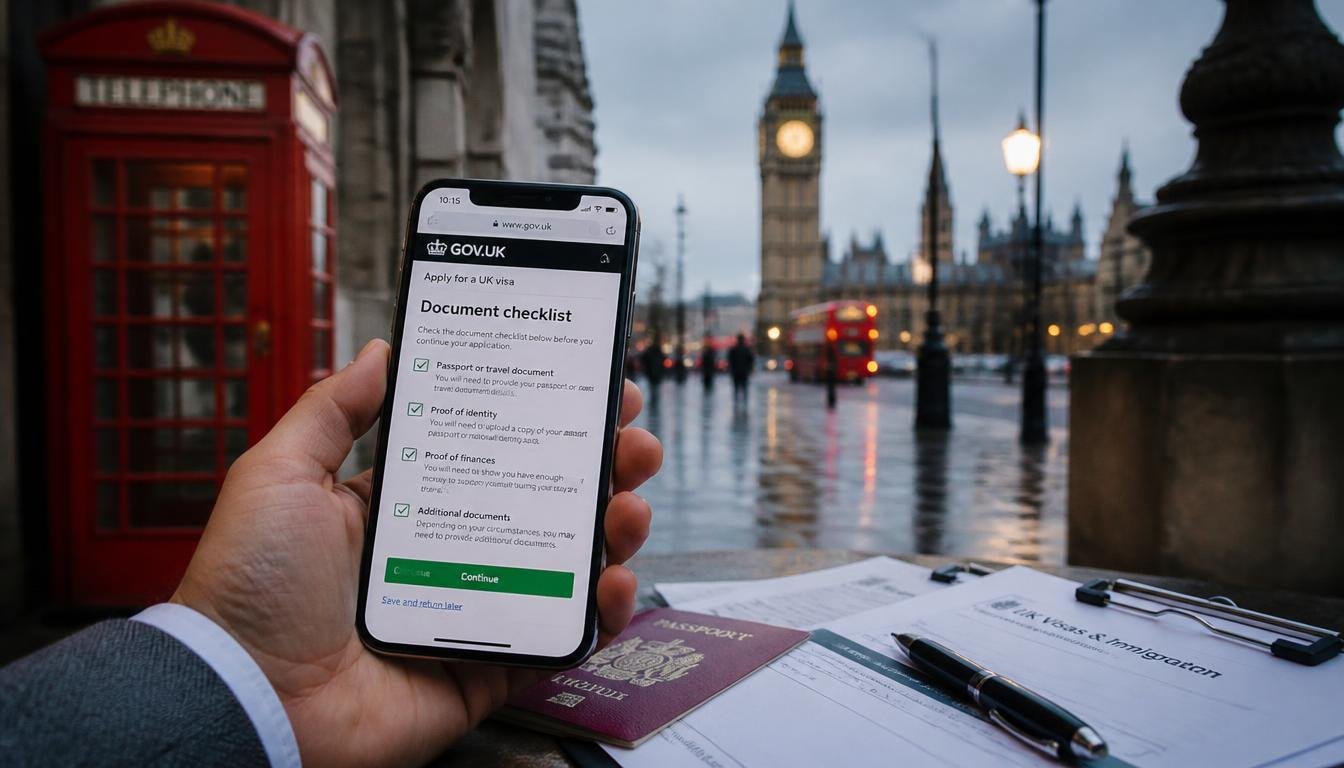
Quick answer: The fastest way to change your Child Benefit bank account is through the HMRC app or your HMRC online account. You will need your old account details and your new sort code and account number. If a payment is due within 3 working days, it will usually go to your old account. It can take up to 28 days for the change to take full effect, so keep an eye on your next payment.
This is an independent informational website. We are not affiliated with, endorsed by, or connected to the DWP, HMRC, any UK government body or local council. Information is for general guidance only and is not financial or legal advice. Always check GOV.UK for the latest official information.

[LAST CHECKED: 9 October 2026]
Who can change Child Benefit bank details?
You can change your bank details if you are the person who receives Child Benefit payments. This is usually the parent or carer who made the claim.

You can update your details if:
You are the Child Benefit claimant
You have your Government Gateway login or HMRC app set up
Your new account is a UK bank, building society or credit union account that accepts Bacs payments
Important: If someone else helps you manage your Child Benefit (an intermediary), they cannot change your bank details on your behalf. You must do this yourself.

Nation differences: Child Benefit is a UK-wide benefit administered by HMRC. The process for changing bank details is the same in England, Scotland, Wales and Northern Ireland. Payment dates may differ slightly around bank holidays — for example, Scotland and Northern Ireland sometimes receive payments a day later.
End of section. For more on managing your award, see our guide to Child Benefit: Change of Circumstances.
How much could you get? (2026/27 rates)
The amount you receive does not change when you switch bank accounts. Your Child Benefit rate stays the same.
Child Benefit rates 2026/27:
£27.05 per week for your eldest or only child (£1,406.60 a year)
£17.90 per week for each additional child (£930.80 a year)
Child Benefit is usually paid every 4 weeks on a Monday or Tuesday. If your payment date falls on a bank holiday, it may arrive earlier or later.
End of section. For a full breakdown, see our guide to Child Benefit Rates 2026/27.
How to change your bank details: step by step
Option 1: Using the HMRC app (fastest method)
Open the HMRC app on your phone and sign in. If you have not used it before, you will need your Government Gateway details to set it up.
Go to the Child Benefit section and tap “Change bank details.”
Confirm your current bank details. The app will show the account your Child Benefit is currently paid into. Enter the details to verify you are the account holder.
Enter your new bank details. You will need your new sort code and account number. Leave the roll number blank unless you use a building society account.
Confirm the change by selecting “Yes” and tapping “Save and continue.”
Check for confirmation. The app will confirm the change has been submitted. It may take up to 28 days to take effect.
Option 2: Using your HMRC online account
Sign in to your HMRC online account using your Government Gateway user ID and password.
Select “Child Benefit” from your account homepage.
Choose “Change your bank details.”
Enter your current details to verify your identity.
Enter your new sort code and account number and confirm the change.
Save and continue. You will receive a confirmation message.
Option 3: Calling the Child Benefit helpline
If you cannot use the app or online service, you can call the Child Benefit helpline on 0300 200 3100. You will need to confirm your old bank details and provide your new ones over the phone. Be aware that phone lines can be busy, and this method may take longer.
Documents you’ll need — checklist
- □
Your Government Gateway user ID and password (for app or online)
- □
Your old bank account details (sort code and account number)
- □
Your new bank account details (sort code and account number)
- □
- □
Your Child Benefit reference number (if you have it)
- □
Phone access if using the helpline
End of section. For help setting up your online account, see our guide to HMRC Online Account Help.
Common mistakes that delay or block the change
Changing details too close to a payment date. If a payment is due within 3 working days of your change, it will usually go to your old account. Check your next payment date before making the change.
Entering the wrong sort code or account number. Double-check every digit. A single wrong number can delay your payment or send it to the wrong account.
Using a non-UK account. Child Benefit can only be paid into a UK bank, building society or credit union account that accepts Bacs.
Closing your old account too soon. Keep your old account open until you have received at least one payment into your new account. This avoids problems if the change takes longer than expected.
Not updating your address at the same time. If you have moved, update your address in the same session. You can do this through the HMRC app or online account.
End of section. If you have missed a payment, see our guide to Child Benefit Payment Problems.
What happens after you change your bank details?
Timelines: The change is usually processed quickly, but it can take up to 28 days to take full effect. If a payment is due within 3 working days of your request, it will normally be paid into your previous account.
How payments work: Child Benefit is paid every 4 weeks. Your payment date does not change when you switch accounts. Check your next payment date in the HMRC app or online account.
If you do not receive a payment: Wait until your expected payment date has passed. If the payment has not arrived in your new account, check the old account first — it may have been sent there. If it is not in either account, contact the Child Benefit helpline.
If you think something is wrong: You can ask HMRC to review the decision. For Child Benefit disputes, you usually have one month from the date of the decision to request a review or appeal. [VERIFY: current appeal time limits on GOV.UK].
End of section. For appeals, see our HMRC Appeals Guide.
Related support you might be missing
National Insurance credits: Claiming Child Benefit gives you credits that count towards your State Pension. Do not opt out of payments without checking how to protect your NI record.
Child Benefit backdating: If you have not claimed yet, you can usually backdate your claim by up to 12 weeks.
High Income Child Benefit Charge: If you or your partner earns over £60,000, you may need to pay this charge. Use the Child Benefit tax calculator on GOV.UK to check.
Guardian’s Allowance: If you are bringing up a child who is not your own, you may be able to claim this extra payment alongside Child Benefit.
Scottish Child Payment: If you live in Scotland, you may be able to get an extra £26.70 per week per child on top of Child Benefit. [VERIFY: current rate on mygov.scot].
Quick summary checklist
Use the HMRC app or online account for the fastest change.
A payment due within 3 working days goes to your old account.
It can take up to 28 days for the change to take effect.
Keep your old account open until you receive a payment in the new one.
Update your address at the same time if you have moved.
Call 0300 200 3100 if you cannot use the app or online service.
FAQs
How long does it take to change Child Benefit bank details?
The change is usually processed quickly, but it can take up to 28 days to take full effect. If a payment is due within 3 working days, it will normally go to your old account.
Can I change my Child Benefit bank details over the phone?
Yes. You can call the Child Benefit helpline on 0300 200 3100. You will need to confirm your old bank details and provide your new ones. Phone lines can be busy, so the app or online service is usually faster.
Will my payment date change if I switch accounts?
No. Your payment date stays the same. Child Benefit is usually paid every 4 weeks on a Monday or Tuesday. Check your next payment date in the HMRC app or online account.
What if the payment goes to my old account?
If a payment is due within 3 working days of your change, it will usually go to your old account. You can still access it if the account is open. If you have closed the account, contact your old bank and the Child Benefit helpline.
Can someone else change my Child Benefit bank details?
No. If you have an intermediary helping with your claim, they cannot change your bank details. You must do this yourself through the HMRC app, online account or helpline.
Conclusion
Changing your Child Benefit bank account is straightforward using the HMRC app or online account. The key things to remember are: check your next payment date before switching, keep your old account open until the change takes effect, and double-check your new sort code and account number. If you cannot use the digital services, call the Child Benefit helpline on 0300 200 3100.
For more help, see our guides to Child Benefit, HMRC Online Account Help, and Child Benefit Payment Problems.